ANDROID KEYBOARD · IN DEVELOPMENT
Scan.
Speak.
Keep working.
Asset checks, warehouse inventory, inspection notes, and everyday typing. joeyi puts the tools for all three on one keyboard.
See the use casesDesigned for compatible text fields in Android apps.
Illustrated workflows using real joeyi keyboard screenshots.
EXPLORE THE WORKFLOW
Scan. Speak. Refine.
Choose a step to see how the keyboard fits the task.
Illustrative example only. This page does not access your camera or microphone.
Example report row:
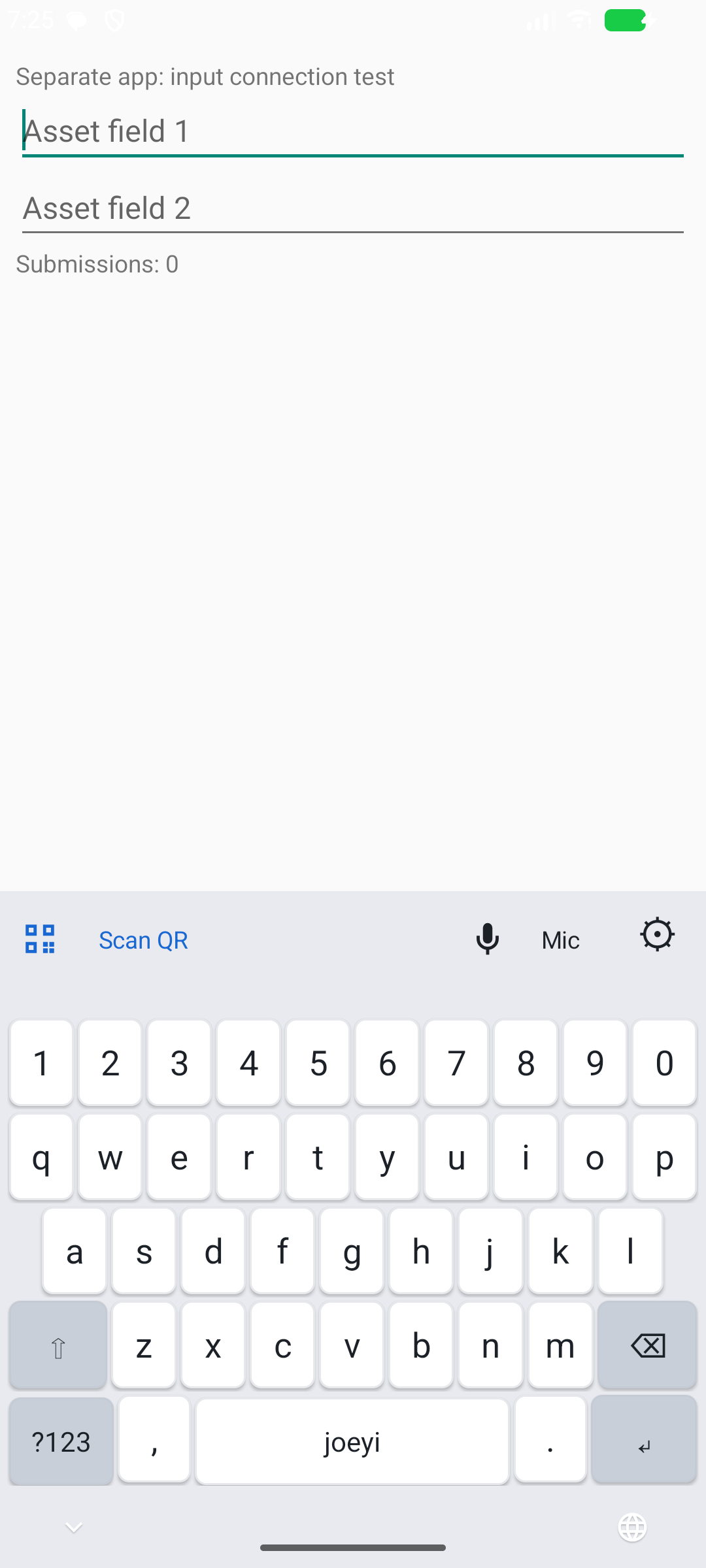
Scan QR inserts the label text into the active field.
WHY THIS KEYBOARD?
Keep the task moving.
Find the asset without retyping its number.
When you are checking a vehicle or piece of equipment, tap the active text field, select Scan QR on the keyboard, and aim at the label. joeyi inserts the QR code’s text into the field.
Use a QR code containing the asset number itself.
Capture the note while the detail is fresh.
During an inspection, tap Mic and dictate your observation. The recognized speech becomes text in your note field, ready to review and correct.
Left rear tire needs attention.
Speech recognition depends on microphone access and recognition support on the device.
Put the cursor where you need it.
Slide your thumb across the Space key to move the cursor, then fix the detail. Keep letters, numbers, and symbols available for the rest of the note.
BEYOND ASSET CHECKS
A keyboard for the tools
you already use.
Look up an item in the warehouse.
A warehouse may have barcode labels without a dedicated inventory app. In a compatible search or entry field, joeyi can help bring a supported label’s value into the task without retyping it.
A quick cycle count app, reporting to Excel
A focused app could pair the keyboard with a simple counting flow: scan the item, enter its quantity and bin, then export the rows to an Excel sheet. With expected quantities supplied, the report could also show variances.
This is a proposed workflow, not an inventory app delivered on this page. Try the warehouse example above to explore a sample report row.
Label-format support depends on the keyboard scanner. Review the value before using it. Scanning text does not connect to or update an inventory database automatically.
MAKE IT FIT THE WAY YOU WORK
Comfort matters, too.
Dark or light
Choose the appearance you prefer.
Adjustable height
Pick a keyboard height that feels comfortable.
Scan controls
Use the flashlight when you need more light, with sound and vibration feedback on a successful scan.
A PRACTICAL IDEA, BUILT AND REFINED
Started with a scan.
Grew around the job.
joeyi Keyboard is an actively developed Android product from JMEAM Consulting LLC. Its features have grown through hands-on testing and feedback on the small details of everyday typing.
It is one example of the work behind joeyi: take a real problem, build something useful, and keep improving it.
Back to the joeyi yardTELL ME ABOUT YOUR WORKFLOW
Could joeyi help
with your next task?
Contact Joey McDougal to discuss the keyboard or a practical tool for your workflow.